

Free or open-source CMMS software
Is it a good idea?
Is it a bad idea?
What are the options?
Choosing a CMMS tool is important to manage your maintenance department effectively. But today’s offering is very broad, with some paid tools, some free software, and some open-source solutions. How do you make sense of it all?! 😱
Do not worry—we will help you find the solution that fits you 👇
6 min read – October 2020
CMMS tools are essential to the smooth running of maintenance departments. However, it can sometimes be difficult to find the ideal tool, between long-established market players, new entrants, and free or open-source solutions. We will focus on the latter two by analyzing the advantages and disadvantages of free CMMS software, then presenting a selection of effective tools.

Free or open-source CMMS software: is it ideal for your business?
1. Why choose CMMS software for your business?

CMMS software is essential for planning and organizing maintenance for your departments. This management method is used in many sectors, both private and public. You can manage:
- Equipment: vehicles, buildings, computers, production machines, etc.
- Human resources: project management, staff management, etc.
- Inventory: number of parts, replenishment, etc.
The benefits of using CMMS tools are numerous and impact team productivity, improved customer performance, data centralization and knowledge sharing, traceability, and securing interventions.
These tools enable operations to run under the best possible conditions and provide sufficient visibility to anticipate potential issues such as breakdowns linked to equipment obsolescence or stockouts. You can also define KPIs from your CMMS tool to refine the management of your business, plan corrective maintenance actions, or provide management with accurate data to support decision-making.
Overall, CMMS software tailored to your business will contribute to its long-term sustainability. It is a long-term investment and an effective solution for improving a company’s entire maintenance processes.
Your main questions
Who is your biggest client?
A retail chain with nearly 900 stores and several tens of thousands of interventions per year. They are very nice, and we celebrate with them every year 🙂
How long does it take to actually launch the CMMS software?
Generally, it is done within 24/48 hours. You test the software and, if it suits you, you can start immediately. If import files are needed, we integrate them after verification, in under 48 hours.
How long does it take to get trained on the tool?
The solution is extremely easy to use. So much so that we have never needed to send our user guide.
We train you in one hour; you can start right after and be autonomous.
Within one week, you will master 90% of the solution. For the remaining 10%, our support team supports you by scheduling regular check-ins.
If I decide to cancel, how do I retrieve my data?
You can do so independently in three clicks: export your data to .xlsx. The downloaded file is immediately usable by you or a third party.
Cold shower with my previous partner: once signed, there was no way to reach them.
At Bob! Desk, we do not cut corners: support is an essential part of our offering. If needed, you have the president’s direct line—here it is: +33 6 59 97 19 0 (and the full number: the number of fingers on a normally formed hand minus one). Try it yourself.
I am missing a tool but also service providers—can you help me?
Perfect timing! We provide you with a directory of integrated service providers who will be ready to meet your needs as soon as your account is set up. Try it and let yourself be won over. 😉
I still have a question
Go to our contact page, where you will find all the information you need to reach us.
2. Managing maintenance with Excel: an alternative?
Microsoft’s all-in-one tool is powerful enough to help you manage your maintenance. Many companies use Excel to track interventions and, above all, to review completed actions. This basic use can largely be handled in a spreadsheet.
However, access to information and operations planning remain very limited, unless you build complex tables, with the risk of a poorer user experience.
In addition, using Excel can quickly become tedious for maintenance teams and does not allow for detailed tracking—so why deprive yourself of free tools?
3. Selection of free and open-source CMMS tools

MaintenanceCare
MaintenanceCare is a Canadian CMMS tool that offers a free version with very limited features, for 1 user only and 1 company per administrator account.
It is among the best and most well-known solutions, but it is reserved for professionals who are comfortable with English, since MaintenanceCare is only available in the language of Shakespeare, as is the support. In terms of features, it allows you to create purchase orders, perform preventive maintenance, and manage your assets.
Conclusion: MaintenanceCare is a very good tool, but unfortunately very limited in its free version.
Bob! Desk
A 100% free version offered by Bob! Desk, the first French free CMMS software, to efficiently handle your intervention requests, manage your service providers, automate your maintenance, and track your tickets!
It is part of the new generation of scalable CMMS solutions offered in SaaS mode, with no download, accessible upon registration and directly via an internet connection.
The free version is only limited by storage space.
Conclusion: Bob! Desk is the ideal tool if you want to optimize your CMMS with a scalable, simple, and high-performance tool without impacting your budget! The only minor drawback is that it is available only in French.
Fiix Lite
Fiix is an American CMMS software ideal for organizing, tracking, and planning different levels of maintenance.
There are several paid plans (Basic, Professional, Enterprise, and Performance) as well as a free Lite version: Fiix Lite. This version is of course less comprehensive than the paid one, but still offers many benefits such as professional features, a mobile app, and purchase order management.
Conclusion: Fiix Lite is a very good tool, ideal for small businesses that want to optimize their internal maintenance processes and discover the benefits of CMMS software.
ManageMaint 4
ManageMaint 4 is a CMMS tool available in two versions: one free and one paid.
In the interest of transparency, the publisher provides a comparison table on its website to quickly see the features available in each version.
ManageMaint 4 offers a simple interface and pleasant ergonomics. It is easy to use to select your equipment and configure the different types of interventions and their frequency.
The developers do not hesitate to update their free version, and the tool therefore includes features to set up a complete database: machine type, location, links between machines and various spare parts, alarm type for each machine, machine status, etc.
Conclusion: ManageMaint offers a comprehensive free version and guides the user through configuration and onboarding so they can become operational quickly.

Good to know:
Some free tools are also open source. It should be noted that their use is reserved for experienced users, as they require advanced IT skills and can also be difficult to handle. If you have a business with fewer than ten employees and one or two technical profiles on your team, an open-source software may be sufficient, with the risk, however, that one of the developers leaves and you are left without a technical resource to maintain the tool. For larger businesses, open-source solutions will quickly show their limitations.
Open-source solutions do, however, offer some advantages:
– They do not require a long-term financial commitment, so you can use them for as long as you want and change them at any time.
– Because the source code is open, it can be modified without issue to adapt the tool to your organization’s needs. As many contributors work on it, you can also benefit from developments made by other companies.
– The bug detection and fixing cycle is relatively short, and the large number of developers using this type of application makes it possible to identify potential issues without too much delay.
4. What are the limitations of using a free or open-source CMMS tool?
As you have seen, there are now effective free or open-source CMMS software options. They can be an excellent solution to start your activity or assess the potential of this type of tool.

Among the (significant) advantages of a free tool is, of course, the near-zero acquisition cost. We emphasize “near” because the time required for configuration and onboarding has a cost. It may also be necessary to hire an external consultant to set everything up.
However, free versions may quickly show their limitations if your activity continues to grow. Some free software publishers offer paid features to enrich the tool. As a result, free versions simply offer a small preview of full software and function more as a demo than as a standalone tool.
Finally, keep in mind that, like other free tools, publisher support for free features is very limited—unless it is a freemium offer designed to move you to the paid plan.
Also regarding open-source CMMS software, keep in mind that this type of open tool can have integration issues within your professional ecosystem. It is therefore, as we reiterate, essential to have advanced technical knowledge to optimize how it works with all your other business software.
When you choose a free solution, you must compare the real cost (selection, installation, use) against the apparent free-of-charge nature.
5. Should you choose a professional CMMS tool?
Switching to a paid professional CMMS tool offers many advantages, starting with far more advanced features than a free software. The configuration is much more in-depth and makes it possible to tailor the tool precisely to your business needs.
In addition, choosing a paid solution allows you to benefit from the publisher’s support and expertise. Advisors help you choose the best offer and provide assistance with software installation and support throughout the entire period of use. This represents a significant time saving, and you can use it to improve your internal processes and benefit from the publisher’s feedback if they have encountered cases similar to yours.
Finally, a paid solution allows you to benefit from regular updates to ensure data security and take advantage of the publisher’s latest innovations. In addition, user feedback is regularly taken into account and helps developers improve the CMMS software continuously and iteratively. The goal of paid CMMS software publishers is to always offer great ease of use and optimal efficiency.
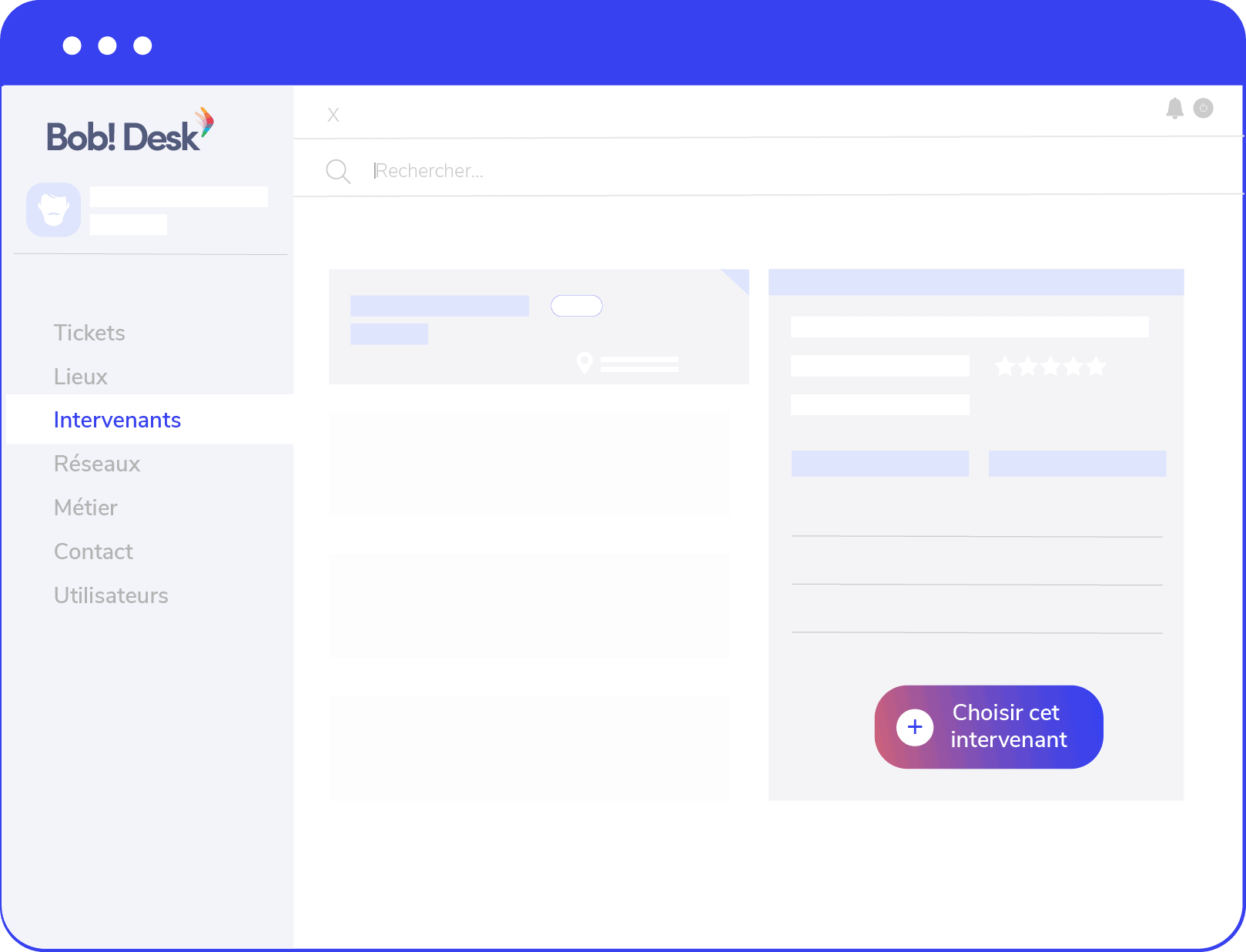
Do you want to try the free version of Bob! Desk? 👇
More articles
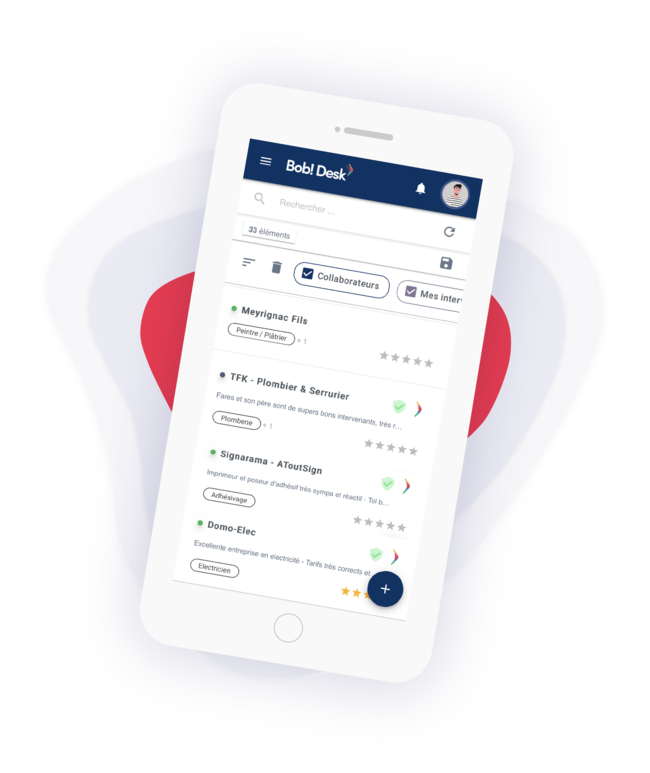

How can CMMS tools for the real estate sector save a lot of time?
CMMS solutions are essential in the real estate sector. We will review their advantages together and offer you a selection of the best tools.

The 7 characteristics to consider when choosing your CMMS!
Is your business currently looking to optimize its intervention and maintenance management processes, and is a CMMS tailored to your needs your top priority? Then let us help you define the characteristics to consider to choose the right CMMS.